Digital Angle Gauge / Inclinometer, 0.05°, Magnetic, 611007, 1376-A
-
Code:123459
-
Weight:0.079 Kgs
Overview:
✔ Digital inclinometer with 0.05° resolution for precision measurements
✔ Suitable for camshaft, crankshaft, and suspension angle adjustment
✔ Zeroing function for reference surface calibration
✔ Magnetic base for secure positioning on metal components
✔ Used in VAG and PSA applications (611007, 1376-A)

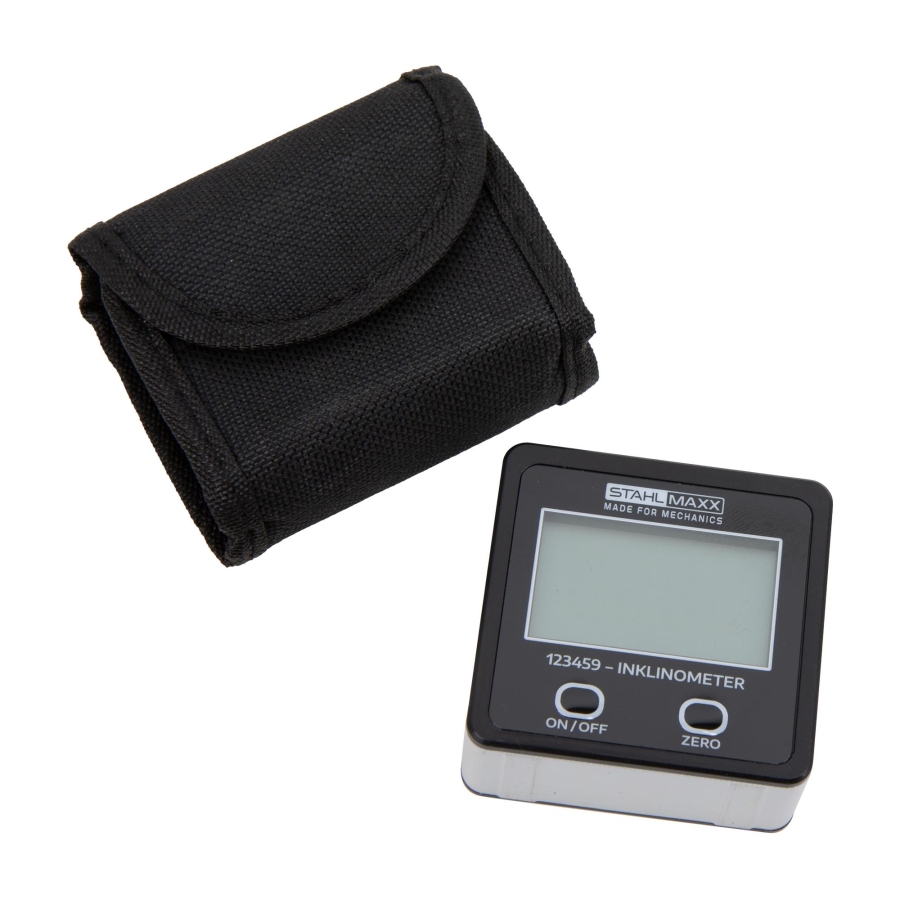
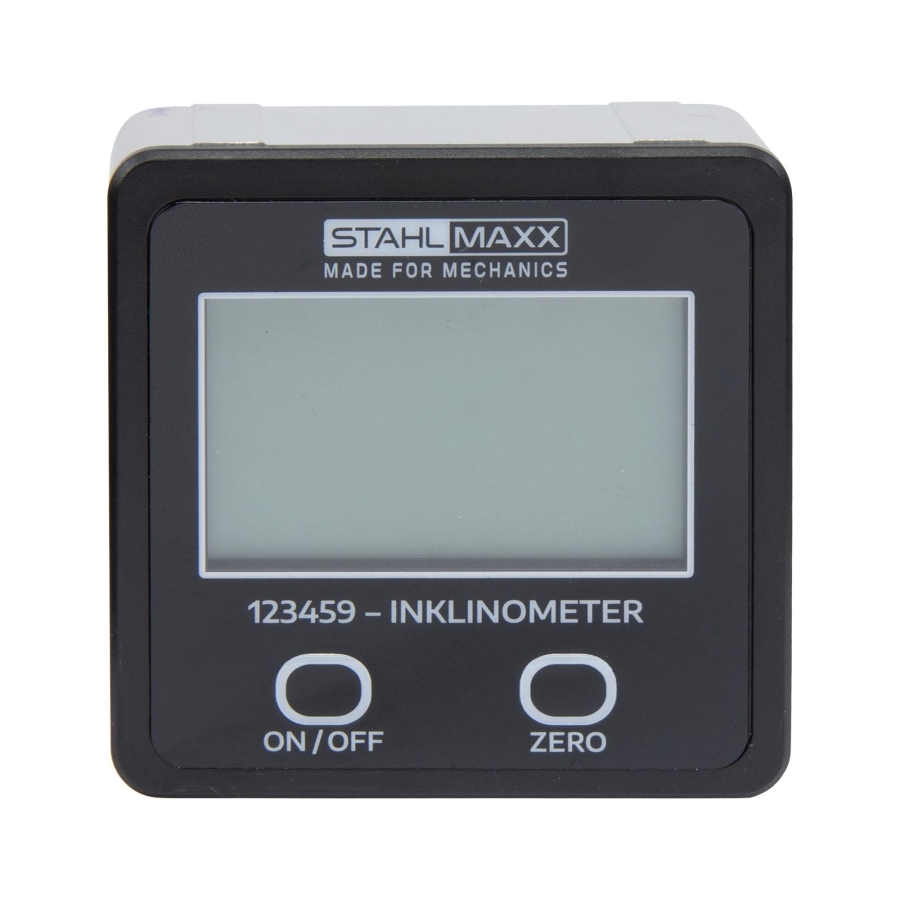
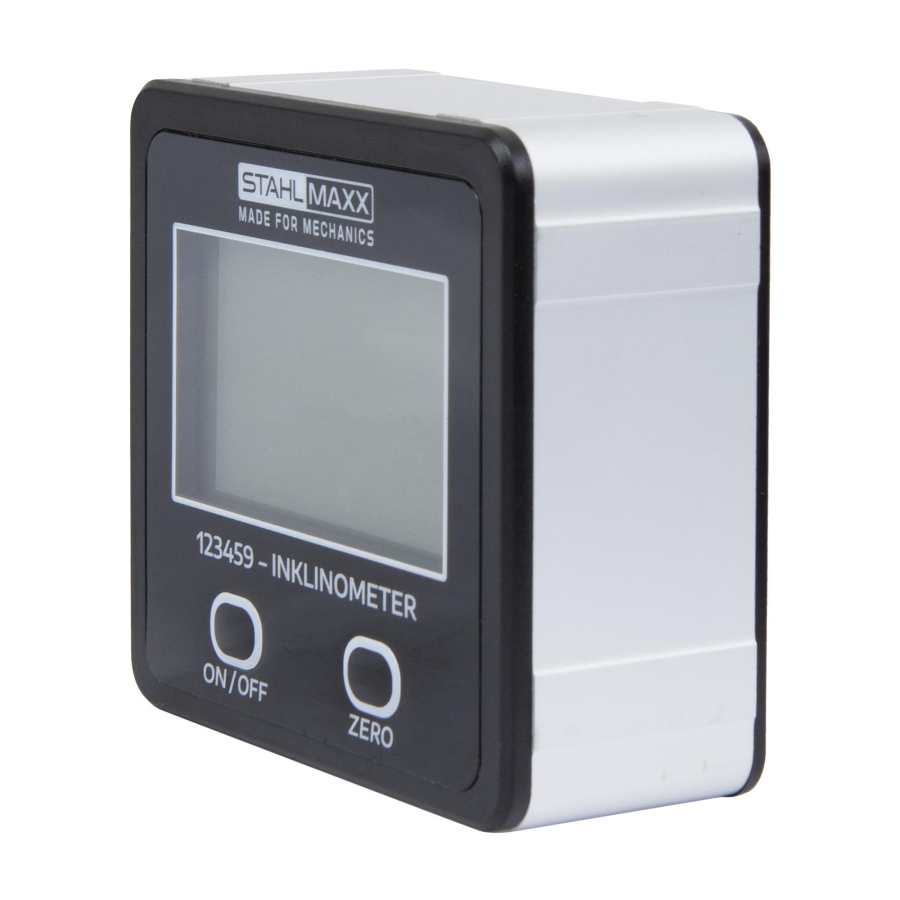
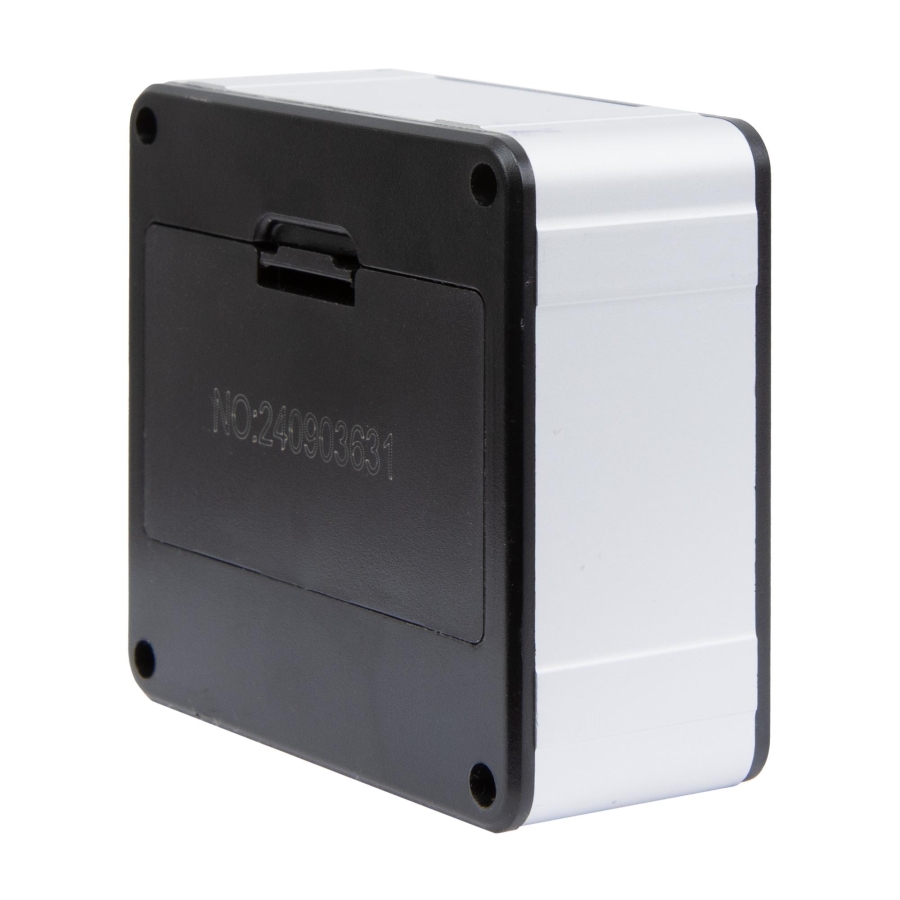
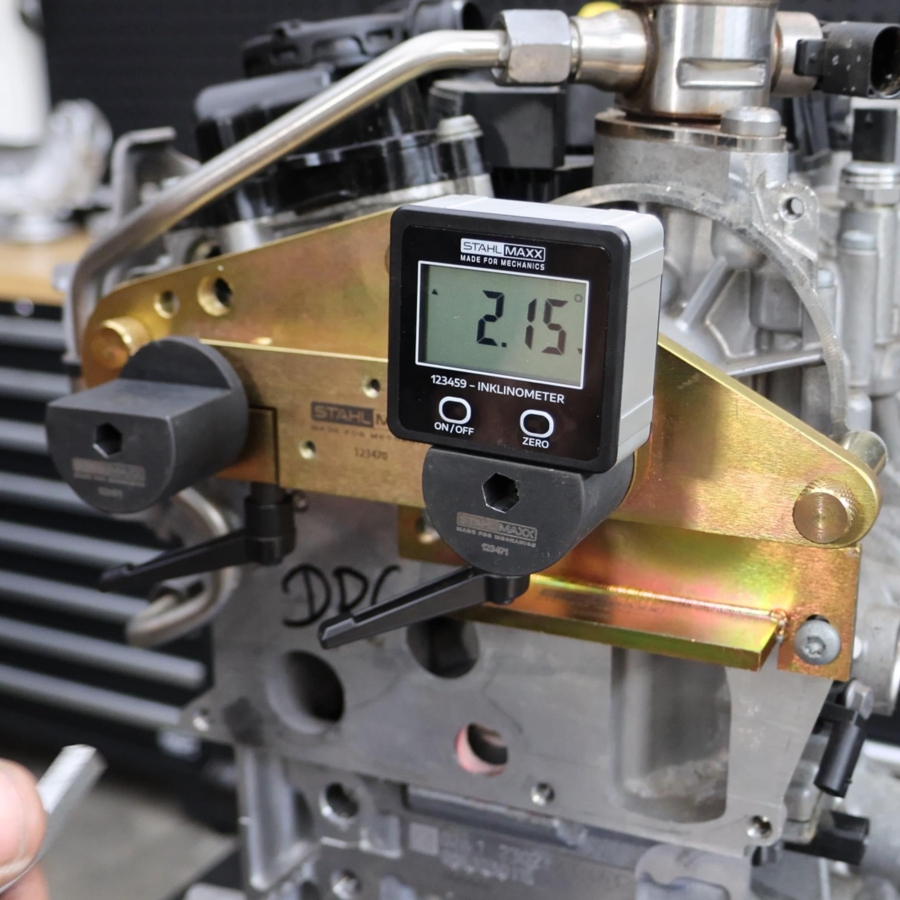
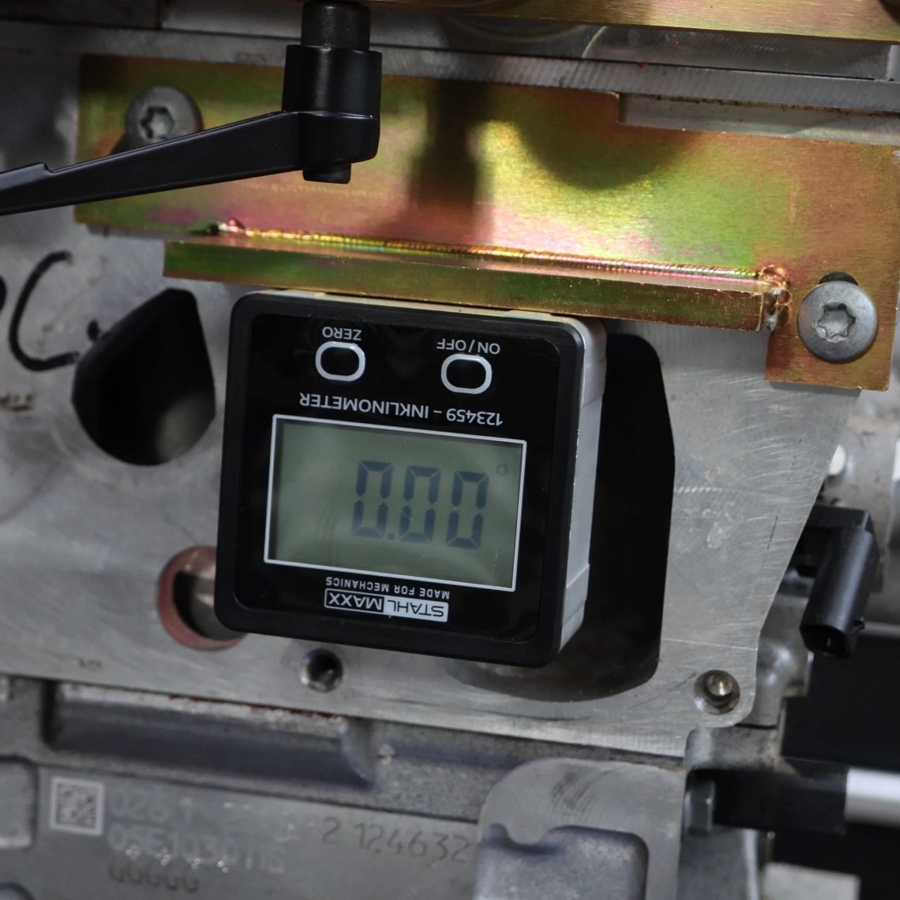
Digital angle measuring tool designed for precise angular measurement and adjustment in automotive applications. Commonly used in engine timing procedures, chassis setup, and sensor calibration.
Suitable for use on:
- Camshafts, crankshafts, and variable valve timing systems
- Suspension and steering components for alignment checks
- Bodywork and frame alignment tasks
- Calibration of radar and ultrasonic sensors (PDC and driver assistance systems)
Function
The device operates as a digital angle gauge that can be zeroed on a reference surface, allowing relative angle measurements with high precision.
With a resolution of 0.05° and high measurement accuracy, it enables fine adjustments required in modern vehicle systems.
Technical Specifications
✔ Measuring range: 4 × 90°
✔ Accuracy at 0° and 90°: ±0.1°
✔ Accuracy at other angles: ±0.2°
✔ Resolution: 0.05°
✔ Operating temperature: 0–50°C
✔ Max humidity: ≤85%
✔ Backlit display
✔ Direction indicator
✔ Hold function for value retention
✔ Magnetic base
✔ Dimensions: 55 × 54 × 25 mm
Reference
OE reference: 611007, 1376-A
Important Note
2 × AAA batteries (1.5V) are required and not included.
Scope of Delivery
1x Digital Angle Gauge / Inclinometer
OE numbers are for comparison purposes only – this is not an original tool.
Battery Installation:
- The device must be switched off
- Open the rear cover
- Insert two 1.5V AAA batteries with correct polarity
- Close the rear cover
Calibration:
- Place the digital inclinometer on a 100% flat, smooth surface
(the device will be calibrated on all 4 surrounding sides) - Press and hold the “ZERO” button while switching on the device using “ON/OFF”
- The display shows -CAL1-
- The device is upright (text readable, facing the user)
- Press the “ZERO” button once → -CAL1- is saved, display shows -CAL2-
- Rotate the device clockwise onto its narrow side
(text on the right, top to bottom, facing the user) - Press the “ZERO” button once → -CAL2- is saved, display shows -CAL3-
- Rotate the device clockwise again onto the narrow side
(text upside down, facing the user) - Press the “ZERO” button once → -CAL3- is saved, display shows -CAL4-
- Rotate the device clockwise onto the narrow side
(text on the left, bottom to top, facing the user) - Press the “ZERO” button once → -CAL4- is saved, display shows -CAL5-
- Rotate the device clockwise onto the narrow side
(text on the right, top to bottom, facing the user) - Press the “ZERO” button once → -CAL5- is saved, display shows -PASS-
- Calibration is complete when the inclinometer displays the current angle
Operation:
- Press “ON/OFF” once to turn on
- Press and hold “ON/OFF” for approx. 2–3 seconds to turn off
- The device switches off automatically after approx. 5 minutes without movement or button input
“LEVEL” Mode – Horizontal Alignment:
In LEVEL mode, the up arrow or down arrow symbols indicate the direction in which a surface must be tilted to achieve a horizontal position relative to the calibrated value.
“ZERO” Mode:
If a non-horizontal surface should be set as a reference point, press the “ZERO” button to store it as the zero point (0-point) for the current application.
Until the device is switched off or the “ZERO” button is pressed again, the inclination is measured relative to this defined zero surface.