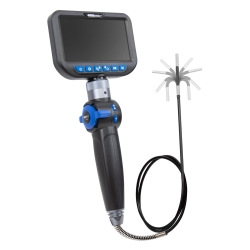
Endoscope Color Camera Gen. 2, Ø4 mm Camera Head, 210° Articulating, with 6 LED and 5" HD Color Display
-
Code:122183A
-
Weight:1.170 Kgs
Overview:
✔ Professional Gen. 2 Full-HD endoscope camera for advanced diagnostic applications
✔ Ultra-slim Ø4 mm camera head for access through injector, glow plug and sensor openings
✔ Articulating camera head with extended 210° steering range
✔ 6 high-performance LEDs with 3-level dimming for optimal illumination
✔ Integrated 5" HD color display with 1280 × 720 resolution
✔ Photo and video recording with MicroSD support up to 32 GB
✔ IP67 protected camera head with scratch-resistant armored glass lens
✔ Suitable for professional automotive, workshop and industrial inspection work


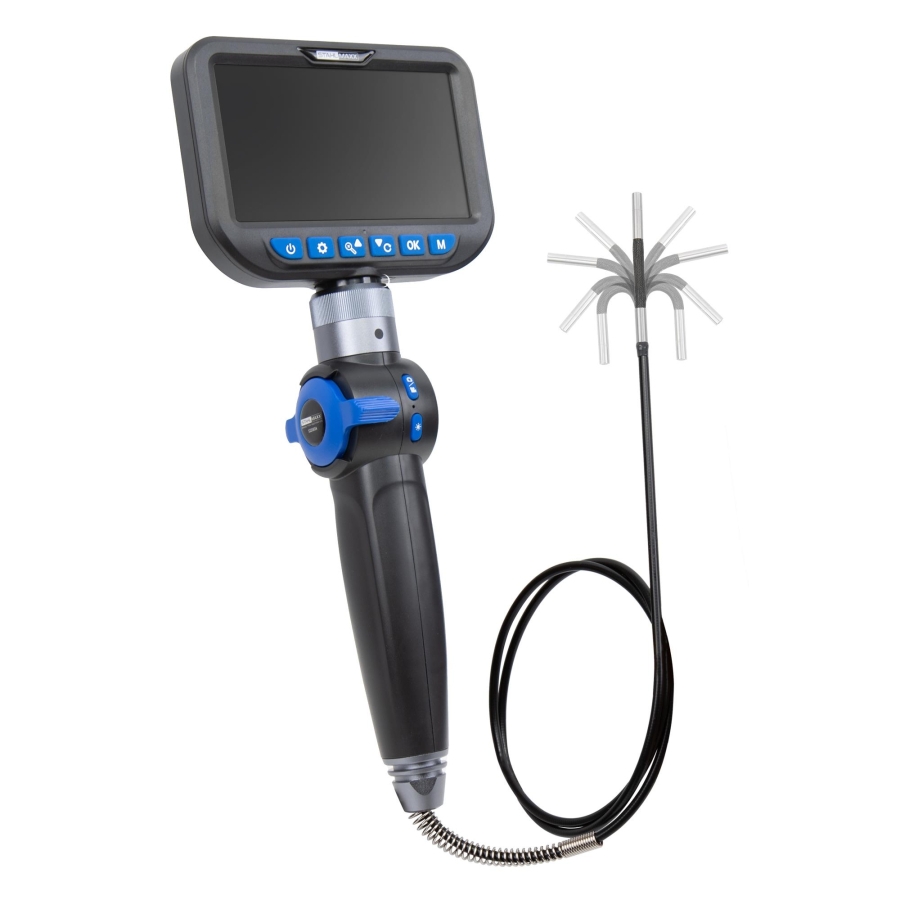
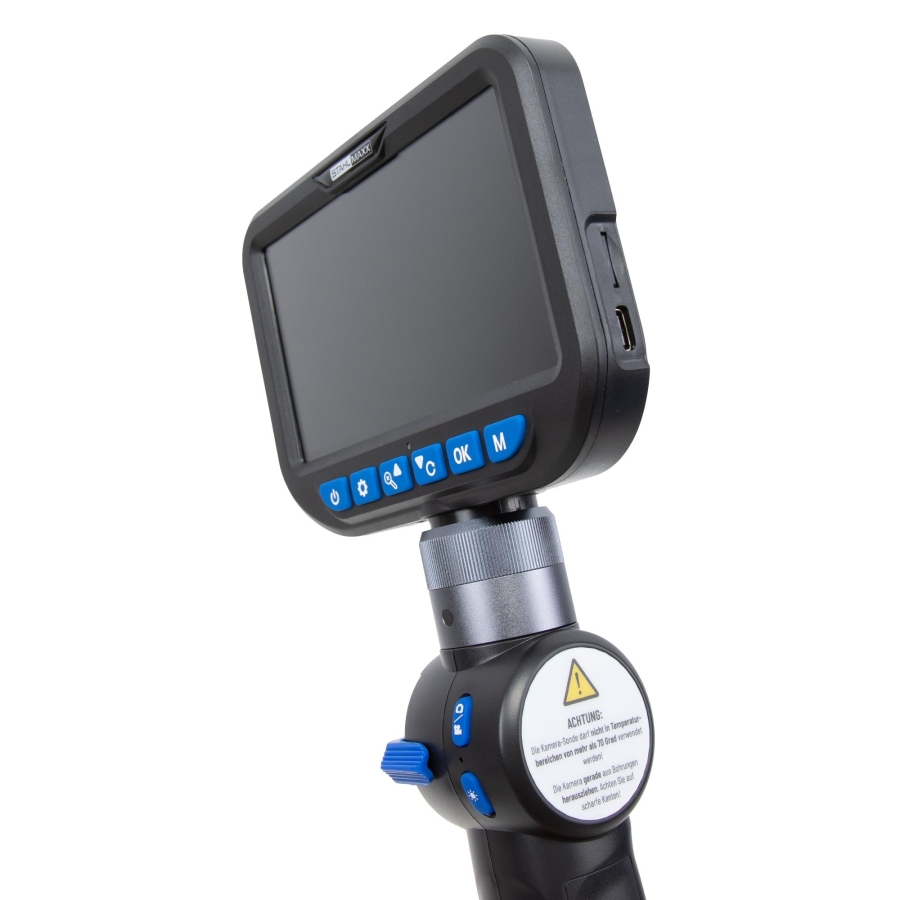
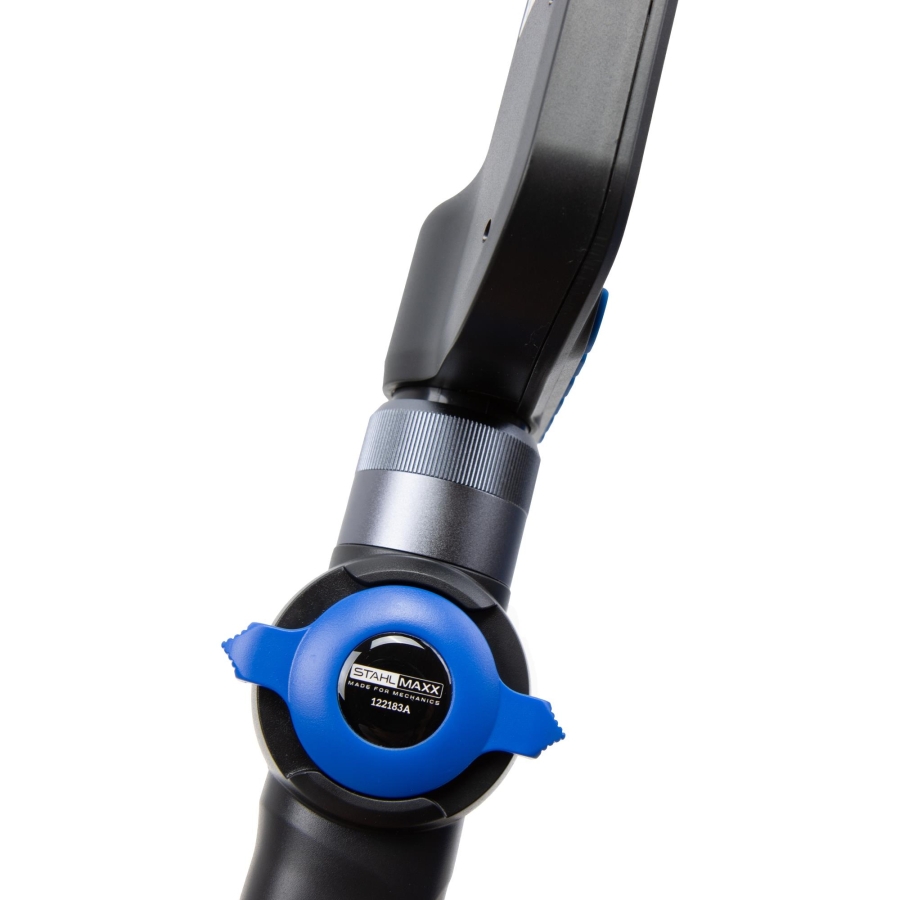
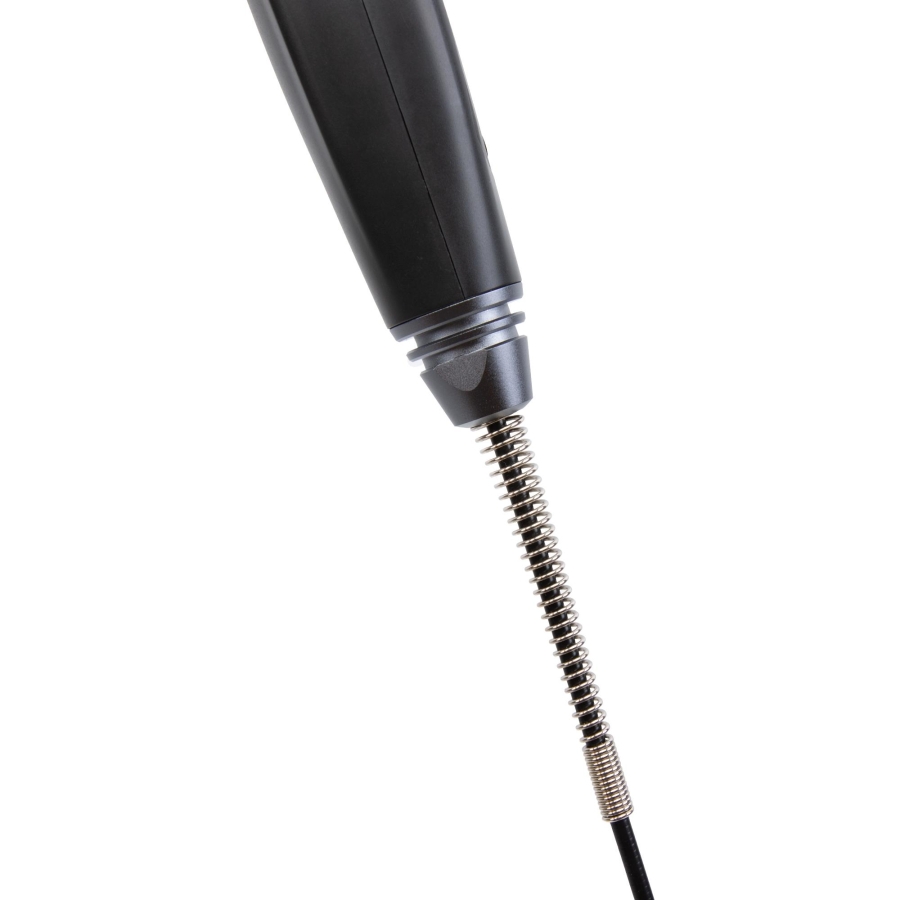
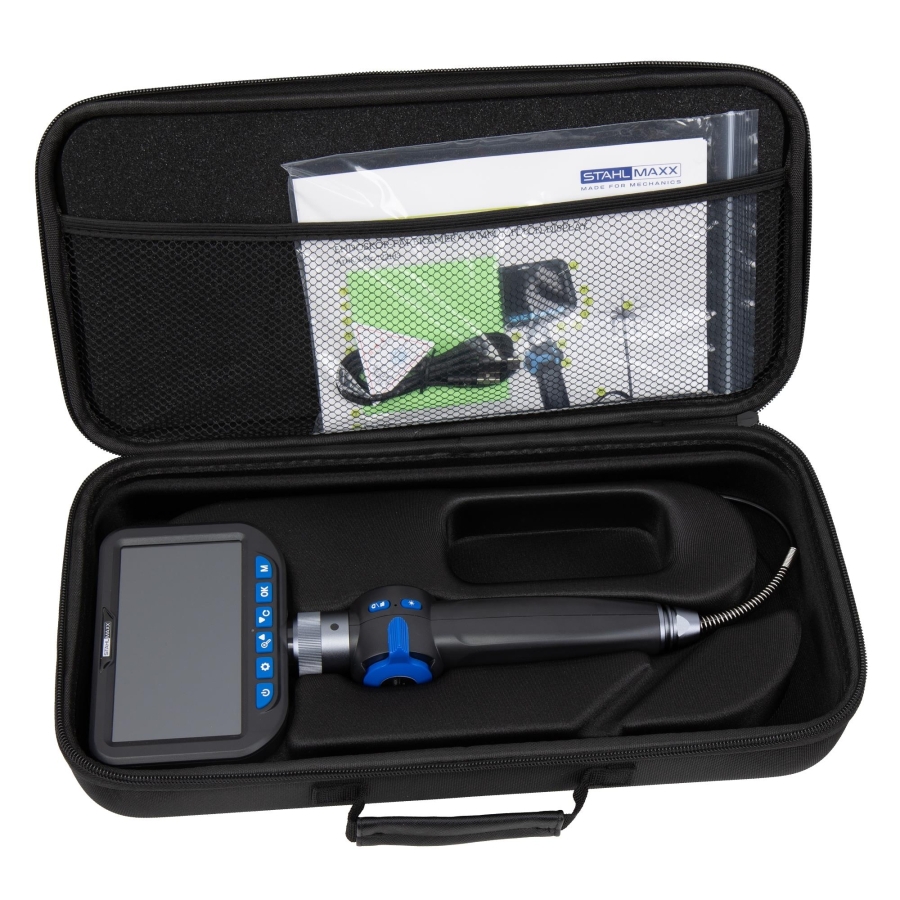
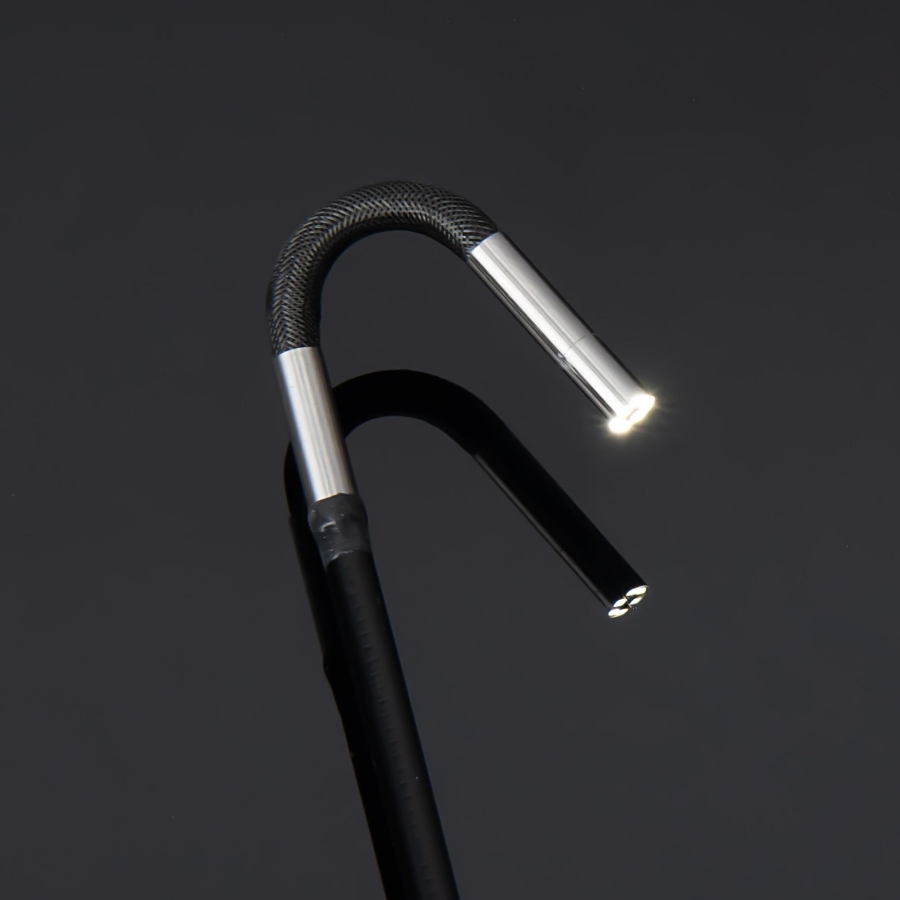
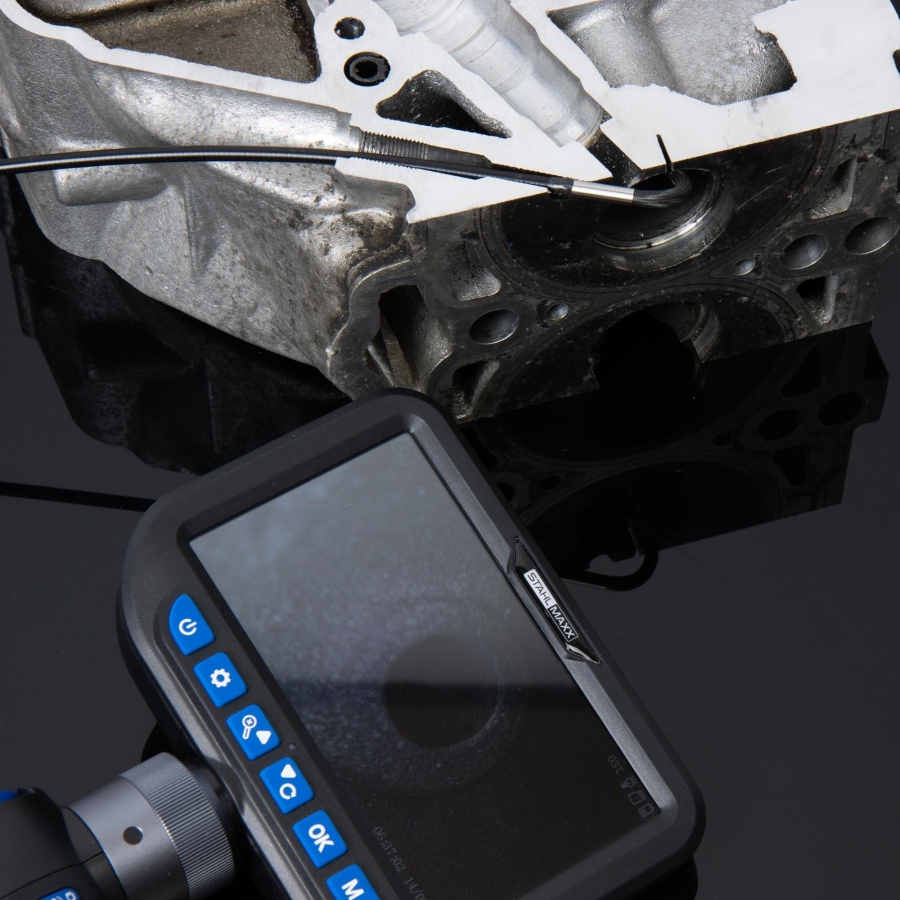
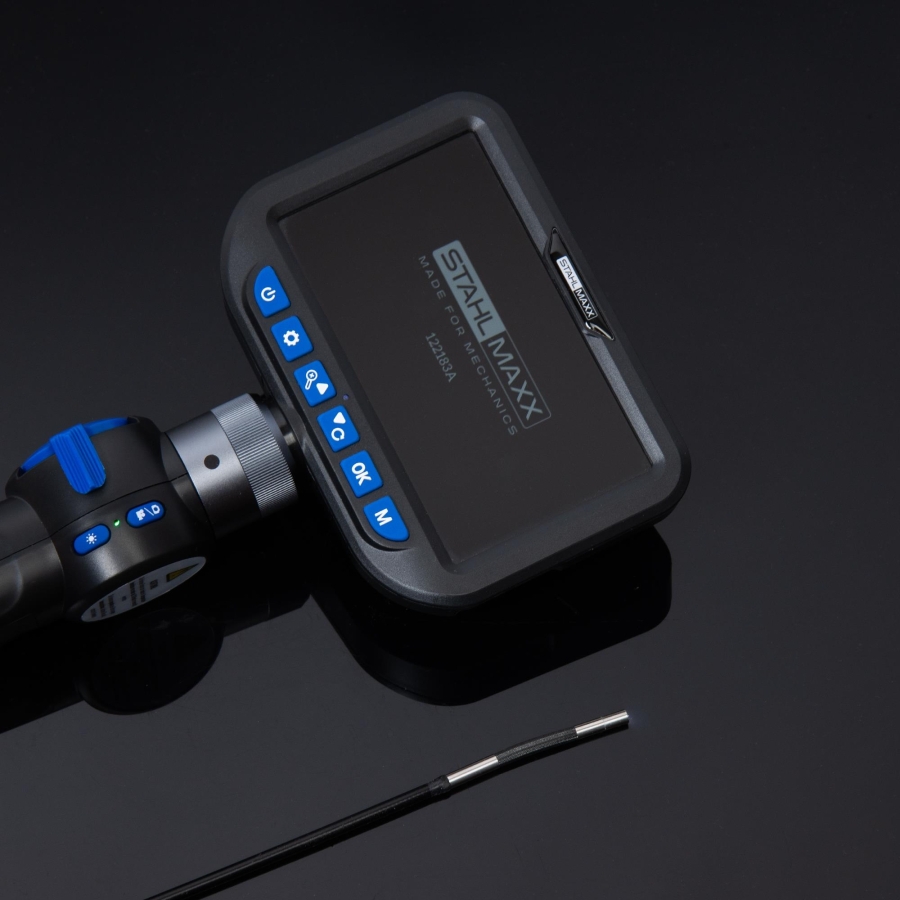
The second generation professional Full-HD endoscope camera from Stahlmaxx combines upgraded technology, improved equipment and significantly enhanced image quality for demanding inspection and diagnostic work.
The newly developed articulating Ø4 mm camera head offers an extended movement range of up to 210° and can be controlled precisely using the integrated adjustment wheel on the handle. Due to the optimized probe design, movement accuracy and positioning have been further improved.
The compact camera head diameter allows access through glow plug openings, injector bores and sensor holes, making the device particularly suitable for inspections inside engines and confined spaces.
Six integrated high-performance LEDs with three adjustable brightness levels and a wider illumination angle provide consistent lighting even on reflective surfaces such as cylinder walls.
The integrated HD image sensor delivers high image clarity and excellent light sensitivity typically found only in larger industrial inspection systems.
The automatic focus range between 20–80 mm ensures clear images even in narrow working areas.
Captured images and videos can be stored directly on a MicroSD card and displayed on the integrated enlarged 5" HD LCD display.
The IP67-protected camera head is resistant to dust and moisture, while the scratch-resistant armored glass lens provides additional durability against accidental contact with components.
Suitable for professional diagnostics, workshop use, industrial inspection and documentation tasks.
Technical Specifications
Camera Specifications
- Camera head diameter: Ø4 mm
- Articulation range: up to 210°
- HD image sensor
- Focus range: 20–80 mm
- Protection class: IP67
Lighting
- 6 integrated high-performance LEDs
- 3-stage brightness adjustment
Display
- 5" HD color display
- Resolution: 1280 × 720 pixels
Recording Functions
- Photo format: JPG
- Video format: AVI
- Recording resolution: up to 1920 × 1080 pixels
Storage
- MicroSD support up to 32 GB
- 8 GB MicroSD card included
Probe Specifications
- Probe length: 1 m
- Flexible probe construction
Power Supply
- 3.7 V / 2200 mAh Li-Ion battery
- Charging via USB-C
Operating Temperature
- -10°C to +40°C
Applications
- Cylinder wall inspections
- Injector and glow plug bore inspections
- Turbocharger inspections
- DPF and catalytic converter inspections
- EGR cooler inspections
- Fuel system diagnostics
- Cooling system inspections
- Transmission and drivetrain inspections
- Body cavity inspections
- Brake system inspections
- Wiring and electrical inspections
- Damage documentation and reports
Set Contents
Included Components
- 1 × Endoscope Color Camera Gen. 2 with Ø4 mm camera head
- 1 × User manual
- 1 × Durable hard case
- 1 × 8 GB MicroSD card
- 1 × USB-C charging cable
Technical Features
- Gen. 2 upgraded model
- Ultra-slim Ø4 mm camera head
- Extended 210° articulation
- Enhanced HD image sensor
- Scratch-resistant armored glass lens
- Dust and water protection according to IP67
- Professional workshop-grade construction
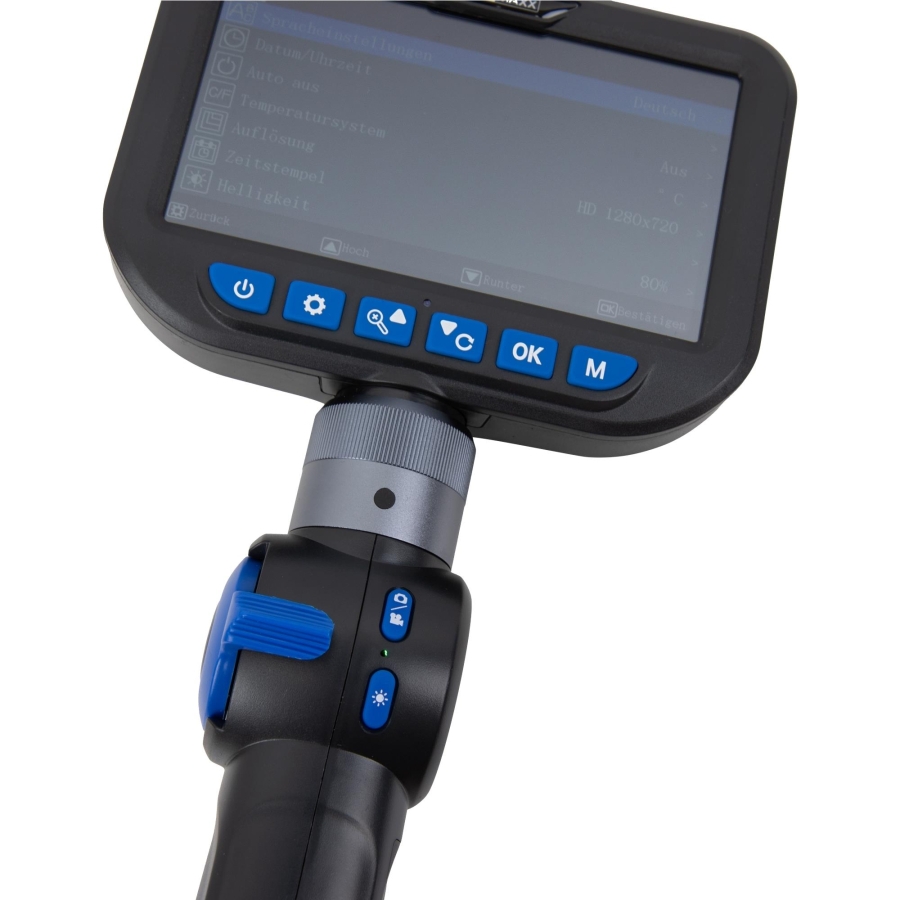
Power Button
• Press and hold the Power button for 2 seconds to switch on the device until the handle and display illuminate. A confirmation tone will sound.
• To switch the device off, press and hold the Power button again for 2 seconds.
LED Brightness
• After switching on the device, the LED light ☀ automatically starts at the highest brightness level.
• The brightness can be reduced in three levels by pressing ☀. The fourth level switches the LED lighting completely off.
Photo and Video Recording
• The camera mode 📷 is active immediately after the device is switched on.
• If required, the screen view can be rotated by 180° by pressing ↻.
• Press 🔍 to zoom the image in through two zoom levels.
• Press 📷 / OK on the handle or OK on the display to save a photo to the SD card.
• To switch to Video mode 🎥, press and hold 📷 / OK on the handle or M.
The video icon 🎥 will appear in the upper-left area of the display.
To start or stop video recording, press 📷 / OK, 🎥, or OK again.
• To view recordings, press and hold M until the Album icon 🖼 appears on the display.
Use ◀ and ▶ to navigate through files. To exit the album, press M again.
• To view photos or videos, select a file and press OK. Press OK again to play or pause videos.
• Press ⏩ to increase video playback speed in 3 levels.
• Press OK to return to normal playback speed.
Delete Photos / Videos
• In Album mode, select the desired photo or video and press OK.
• Press ⚙ and select the required function: Delete, Write Protection, or Slideshow, then confirm with OK.
Advanced Settings
While the camera is active, press ⚙ to change the following settings:
• Language
• Date & Time
• Automatic device shutdown
• Temperature unit
• Resolution
• Date display on photos and videos
• Brightness
• Memory card information
• Format SD card
• Factory settings
• Software version information
Warning
We recommend not replacing the battery yourself. Please contact Lucaro-Tools.com directly.
However, when performing a device restart as described in the troubleshooting section, the battery may be removed and reinstalled.
To do this:
• Remove the small round cap on the handle.
• Loosen the screw.
• Remove the battery cover.
• Carefully remove the battery.
When reinstalling the battery, ensure the battery terminals are positioned with the correct polarity.