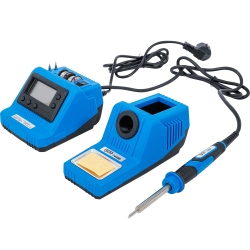
Digital Soldering Station 60 W
-
Code:74486
-
Weight:1.270 Kgs
Overview:
✔ Digital 60 W soldering station for electrical and electronic soft soldering
✔ Adjustable temperature range from 200 to 450 °C
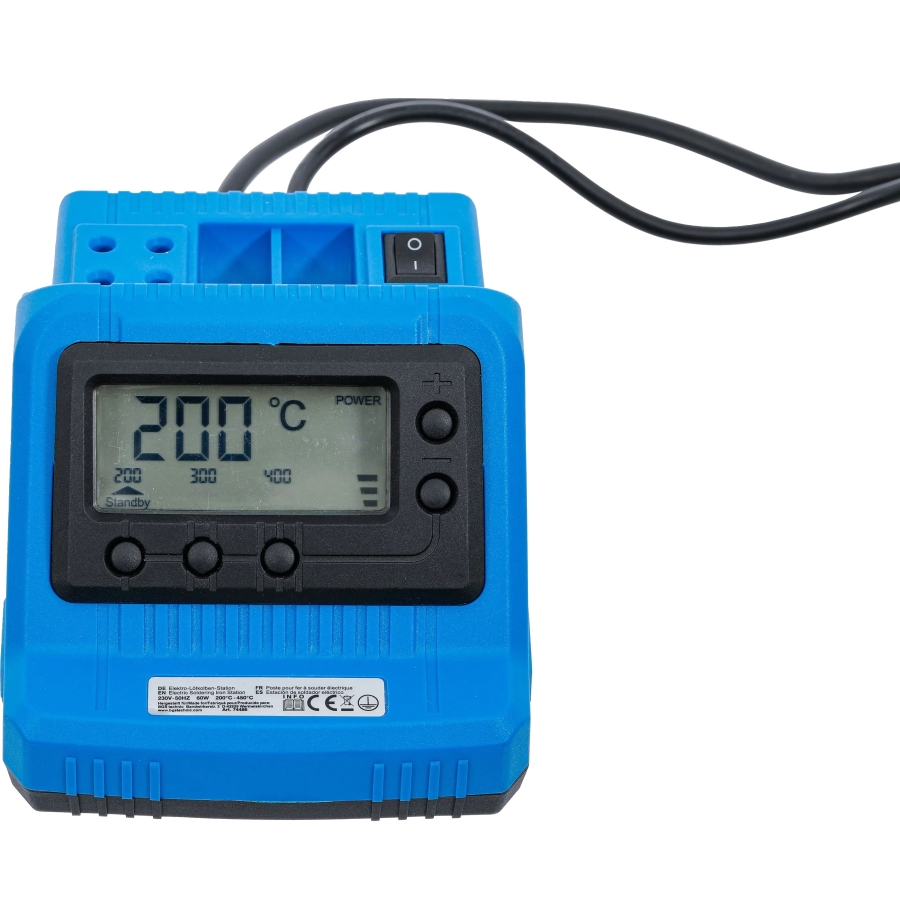
✔ Quick selection of 200, 300 or 400 °C presets
✔ Short heating time and consistent heat output
✔ Automatic temperature reduction after 30 minutes
✔ Ergonomic soldering iron with rubberized grip
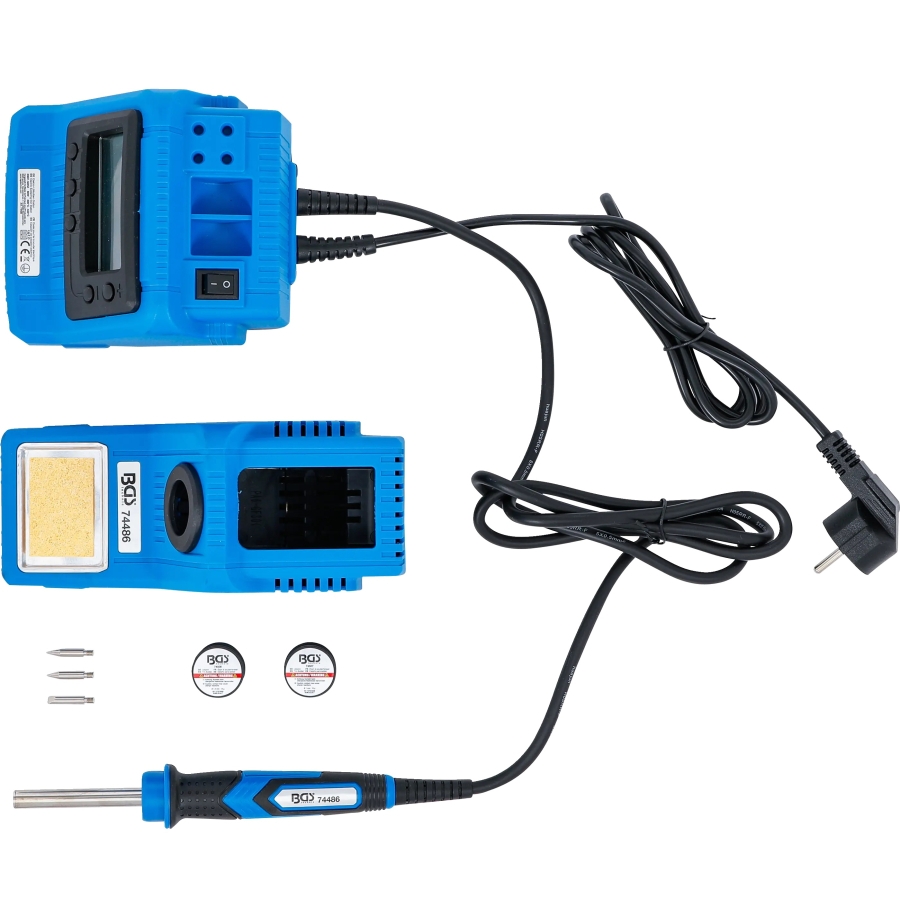
✔ Includes soldering stand, three tips and two rolls of lead-free solder
✔ Rated voltage: 230 V AC


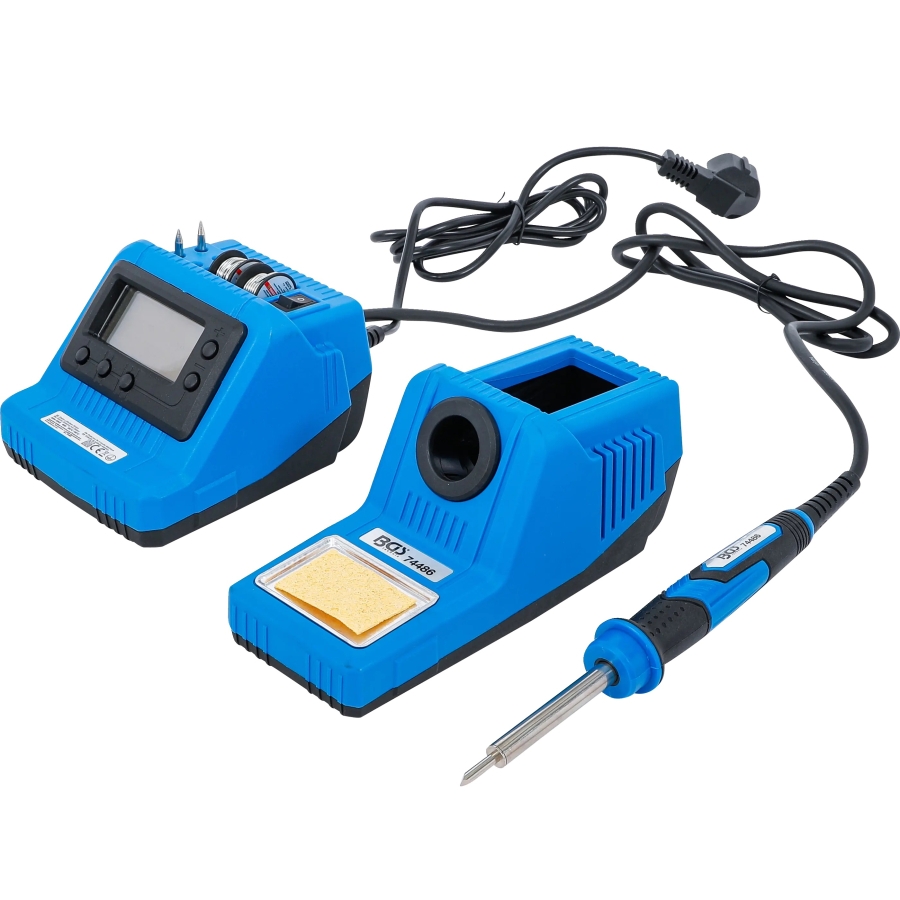
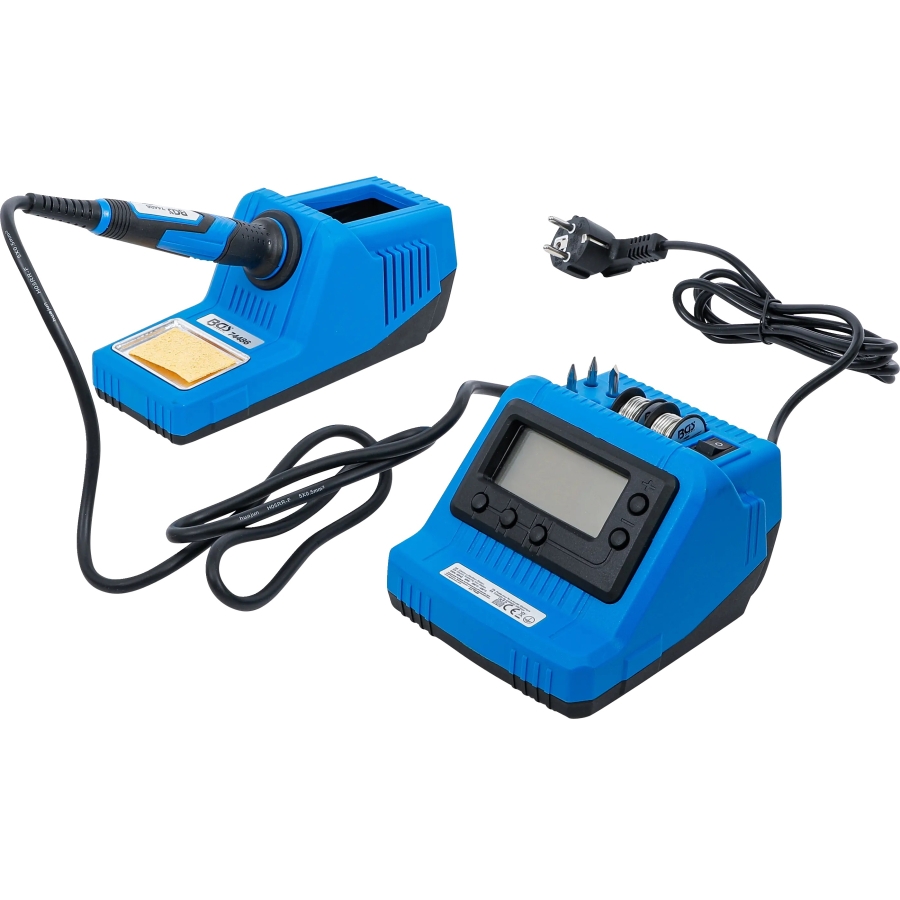
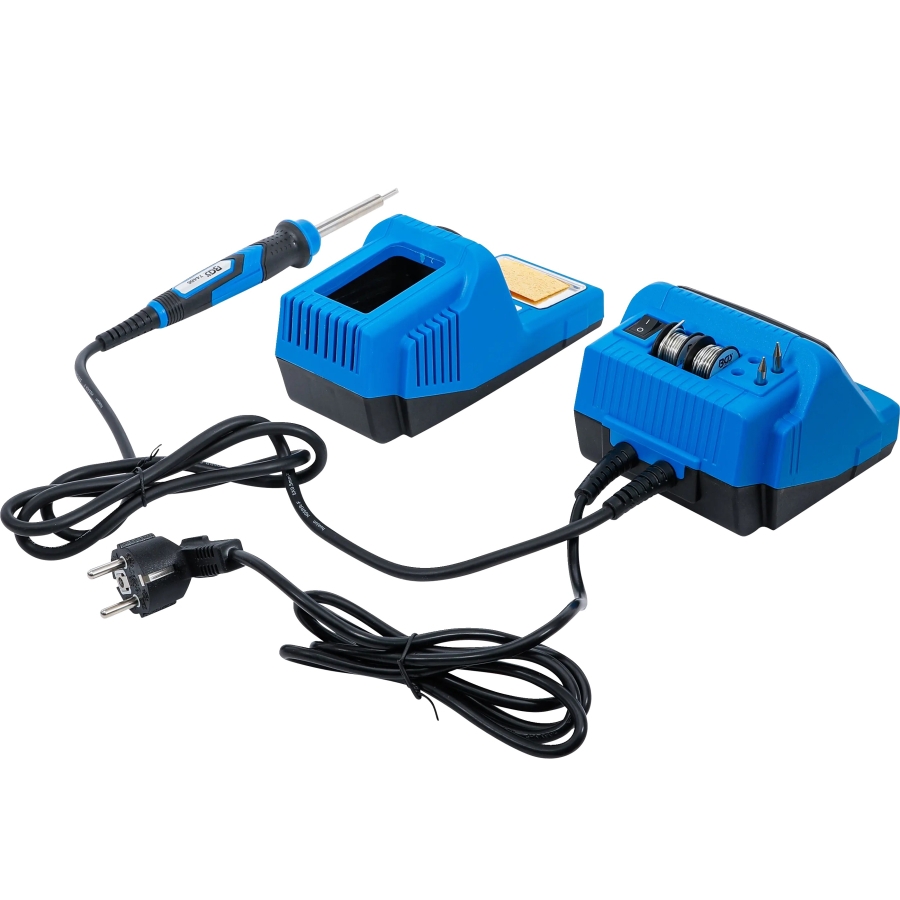
This digital soldering station is designed for creating soft-soldered connections in electrical and electronic applications. Its short heating time ensures rapid readiness, while the consistent heat output supports precise work, including detailed soldering tasks.
Whether used in a home workshop, at different work locations or while travelling, the station provides a practical solution for a wide range of private soldering projects.
Functions and Operation
The temperature can be adjusted between 200 and 450 °C. Three fixed temperature settings of 200, 300 and 400 °C allow quick selection for frequently performed soldering tasks.
After 30 minutes, the station automatically reduces the temperature. It can be quickly reactivated by pressing a button.
The ergonomic soldering iron features a rubberized grip for comfortable and controlled handling. The included stand has an integrated sponge holder for cleaning the soldering tips.
Intended Use and Safety
The soldering station is intended for producing soft-soldered connections in electrical and electronic applications. It is designed for private use and is not intended for commercial use.
Observe the generally accepted accident-prevention regulations and the safety instructions supplied with the product. Only perform work described in the operating instructions. Any other use is considered improper, and the manufacturer accepts no liability for damage resulting from unintended use.
Suitable for
- Soft soldering in electrical applications
- Soft soldering of electronic components
- Detailed and precision soldering work
- Private repair, DIY and hobby projects
- Flexible use in the home workshop or while travelling
Included Accessories
- 1 soldering station
- 1 soldering stand with integrated sponge holder
- 3 soldering tips
- 1 roll of lead-free solder, Ø 1 mm, 10 g, item.no. 74507
- 1 roll of lead-free solder, Ø 1.5 mm, 10 g, item.no. 74508
Technical Data
- Minimum working temperature: 200 °C
- Maximum working temperature: 450 °C
- Preset temperatures: 200, 300 and 400 °C
- Power: 60 W
- Rated voltage: 230 V AC
- Electrical protection class: I
- IP rating: IPX0
- Automatic temperature reduction: After 30 minutes
Preparing the Cleaning Sponge
Lightly moisten the cleaning sponge and place it in the integrated sponge holder.
Switching the Station On and Off
- To switch the station on, move the ON/OFF switch (3) to position
[ I ]. - To switch the station off, move the ON/OFF switch (3) back to position
[ 0 ].
Selecting the Working Temperature
The temperature display shows the preset target temperature for a few seconds, followed by the current temperature of the soldering tip.
The working temperature can be adjusted from 200 to 450 °C. Select the desired temperature using one of the preset buttons or adjust it in increments of 10 °C using the [ + ] and [ − ] buttons.
The display indicates when the soldering tip has reached the selected working temperature.
Selecting the Correct Working Temperature
The correct working temperature depends on several factors:
- Type of solder being used
- Thickness and size of the component
- Material and thermal conductivity of the workpiece
For soldering, we recommend starting at a relatively low temperature of no more than 300 °C and increasing it when necessary.
The correct temperature has been reached when the solder begins to melt upon contact with the soldering tip.
For desoldering, select a higher temperature between 400 and 450 °C, depending on the thickness of the soldered joint.
Soldering
- The soldering tip must be tinned before use. Heat a new tip, or clean a used tip with the damp sponge, and apply solder to tin its surface.
- Always test the selected temperature and technique on a piece of scrap material before beginning the actual work.
- Clean the components and surfaces that will be joined before soldering.
- Bring the solder containing a suitable flux into contact with the outer edge of the soldering tip so that it melts. The flux coats the soldering point and allows the solder to bond with the component.
- During continuous soldering work, regularly clean the tip with the damp sponge and re-tin it.
Desoldering
A desoldering braid or desoldering pump can be used to remove solder from a joint. These accessories are not included.
Using desoldering braid:
Place the desoldering braid over the excess solder and heat it with the soldering tip. The molten solder will be absorbed by the braid.
Using a desoldering pump:
Heat the excess solder with the soldering tip. As soon as the solder has melted, activate the desoldering pump to remove it by vacuum.
Pausing and Finishing Work
- During pauses, always place the soldering iron in its holder.
- After completing the work, move the ON/OFF switch to position
[ 0 ]and leave the soldering iron in the holder until it has cooled completely. - Disconnect the mains plug from the socket during longer periods of inactivity.
Standby Mode
After 30 minutes of inactivity, the soldering station automatically enters standby mode. In this mode, the display shows [ 200 °C ] and flashes.
Press any button to exit standby mode.